
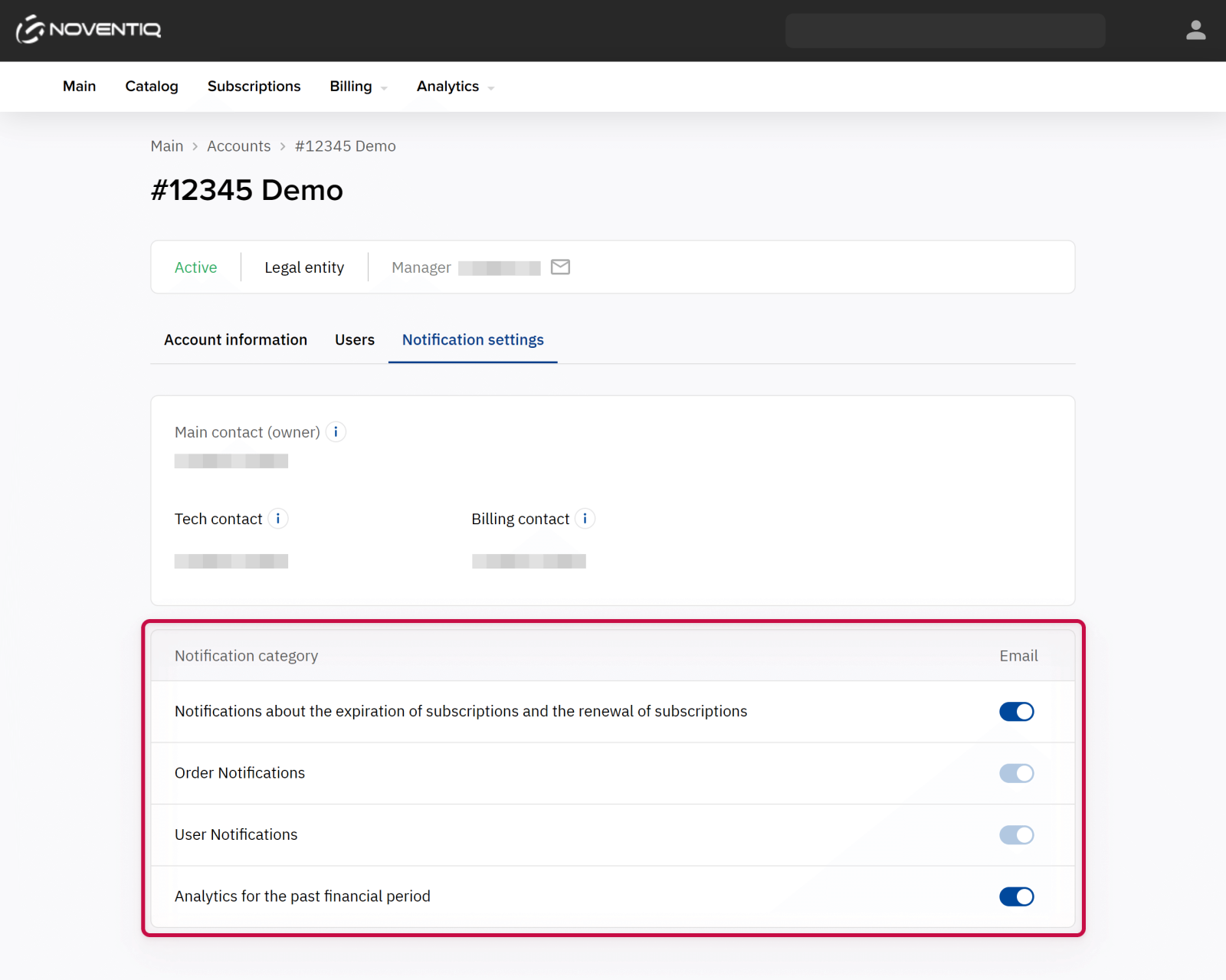
Notifications in the Client Control Panel are grouped by categories for your convenience. As the owner or an administrator of an account, you can select the categories you want to receive. These settings apply to all users of the account:
-
Click the account name in the header. The list of accounts associated with the user is displayed.
-
Select the required account.
-
Go to the Notification settings. A page with toggles is displayed.
-
In the row with the required category, turn on or turn off its toggle. If it is blocked, the category is required for your account.
-
Click Save.
Noventiq Market Moldova
|
Customer Support |
|
|
Microsoft Technical Support |
|
|
Client Control Panel |
|
|
Catalog |