
Where to Find all Tickets
You can use the Noventiq Support portal (https://support.noventiq.com) to view current and past support tickets and respond to Noventiq Support.
Viewing your recent support tickets, Navigate to the Noventiq Support portal ( https://support.noventiq.com) and in the left menu click Tickets tab.
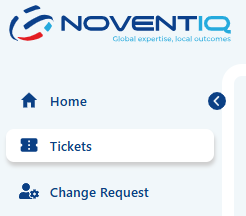
All tickets you open via this portal or email will be visible in the list, that you will find there. By default you will see ticket from the last 7 days, if you would like to see more, please, use “Filter” icon
All tickets are sorted by creation date, old ones you will see at the bottom. You can track the progress in the detailed Ticket page and also in the list of tickets - by checking the status.
Pay attention if ticket is in Pending customer status – that means we need some information from you in order to proceed with your request.
More details about the Statuses definitions: Tickets StatusesOptionally, to search or view tickets you can use the Filters. Filters allow you to search by Tickets Status, Priority and Service Package. Also you can search tickets by ticket ID, or filter it by the initiator – to see only tickets created by you, or all ticket created under your contract by all authorized users. 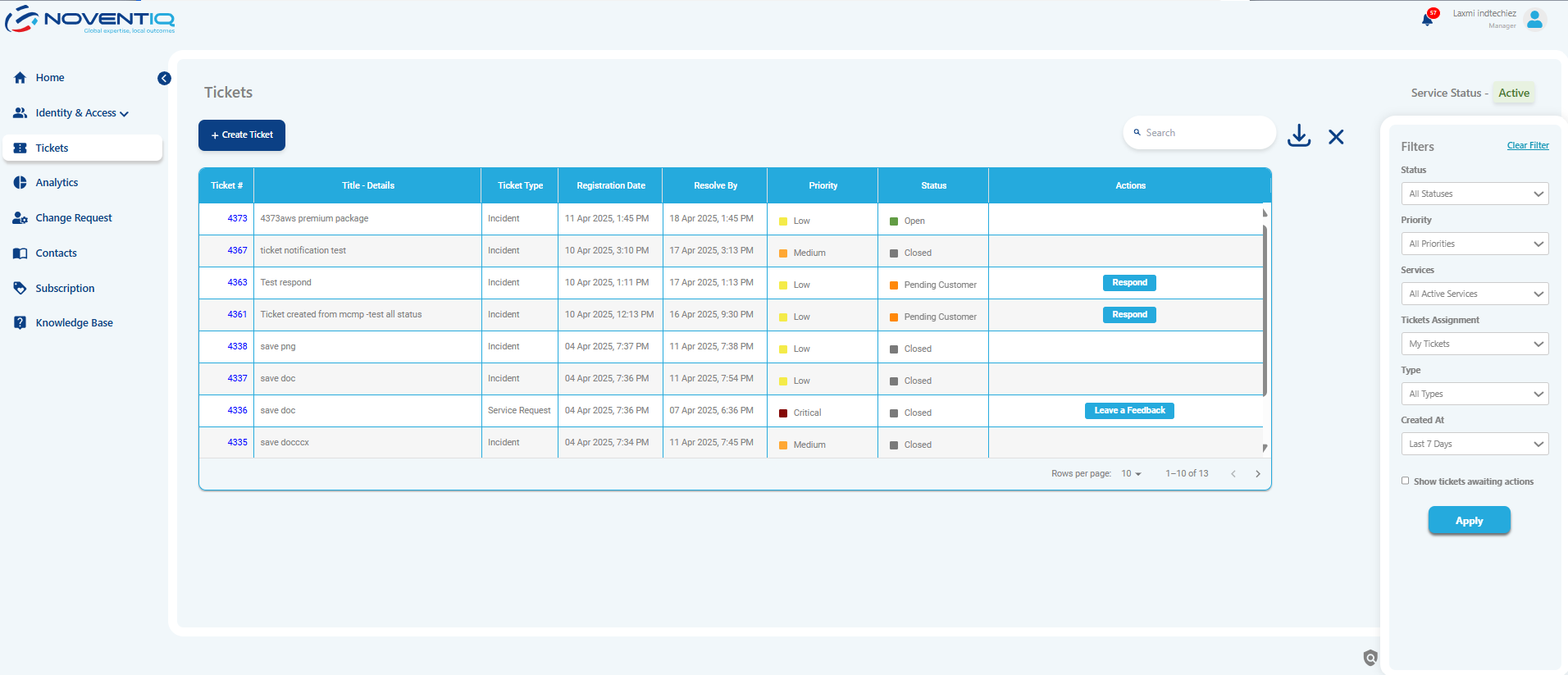
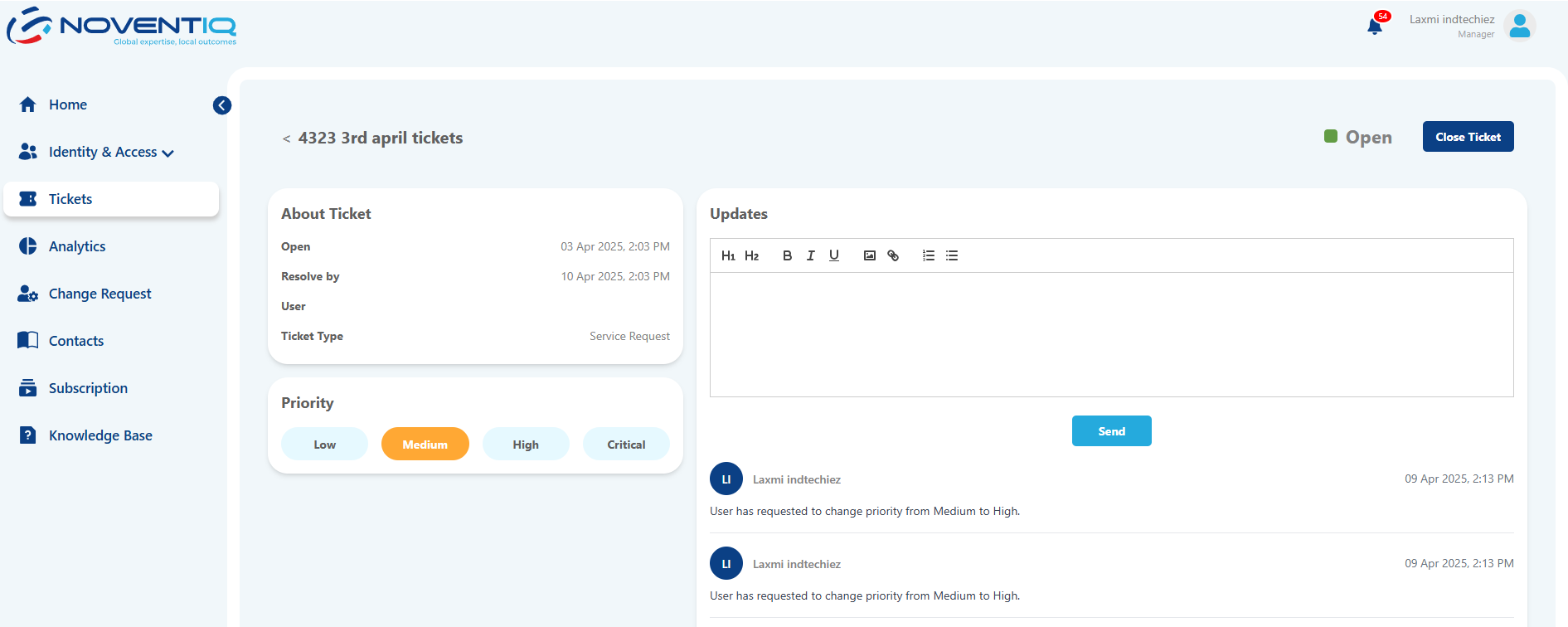
Please, use it wisely. Don’t mark your ticket as Critical, if it doesn’t match Critical incident definition criteria: Priorities Definitions
If your ticket is resolved and you want us to close it – use the dark blue button at the top right corner.
Export
You also can export all your tickets using Export to Excel button – file will be downloaded automatically with the list of tickets that matches the filters you’ve selected.
Noventiq Support