
Overview
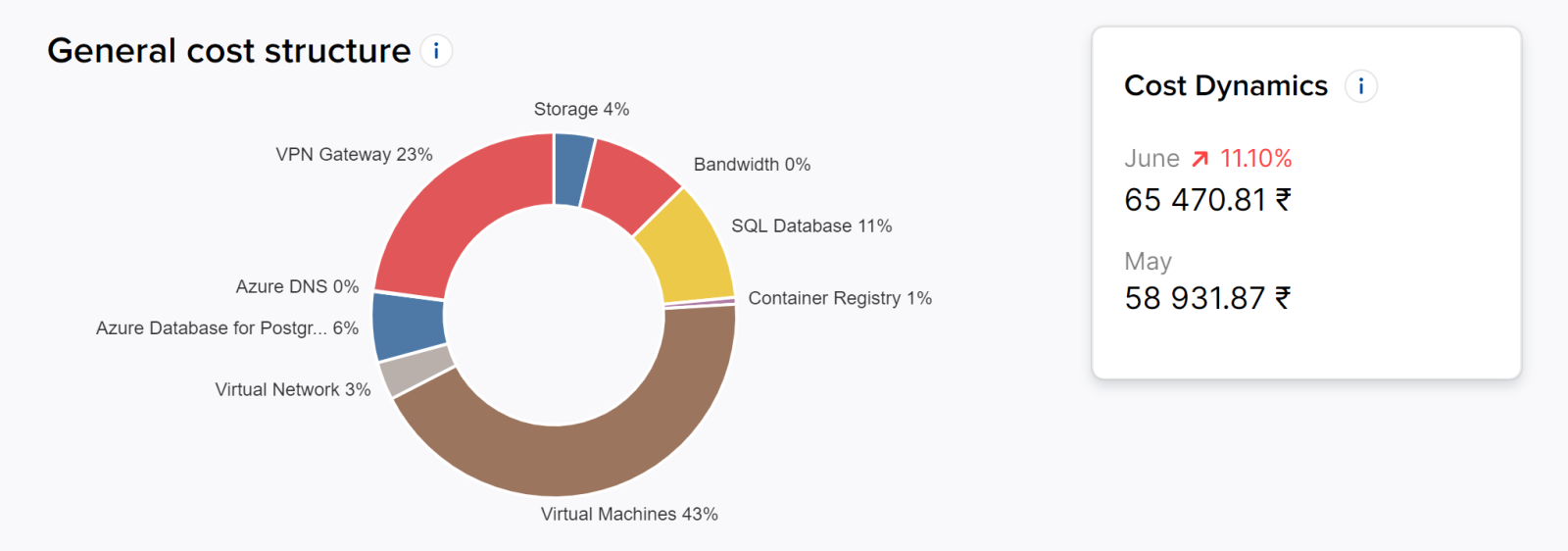
To view analytic reports for consumed resources for a specific subscription for a certain period:
-
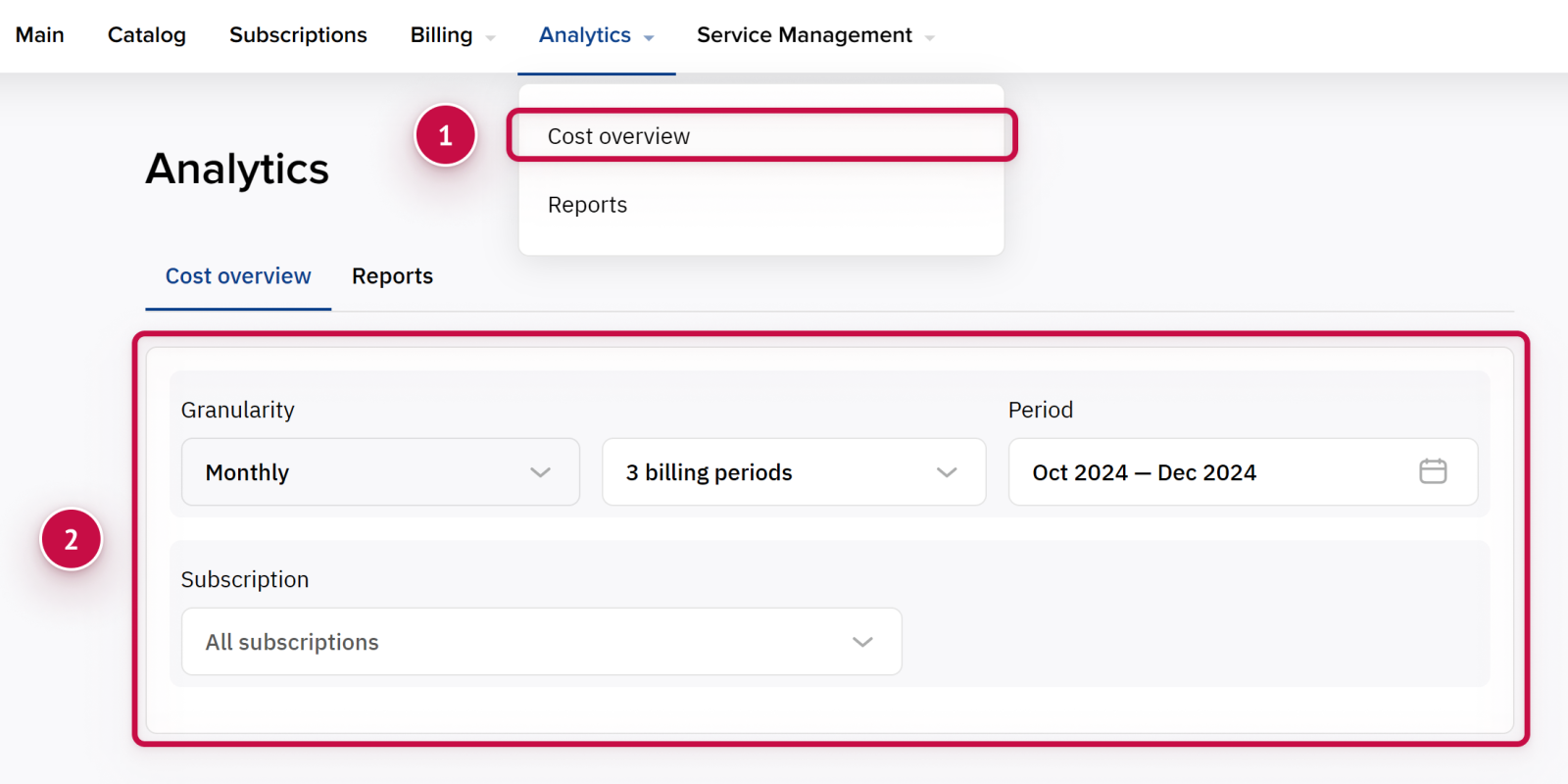
Go to Analytics > Cost overview.
-
Use filters to indicate a subscription, granularity, period, and other parameters.
Daily consumption reports for PAYG subscriptions
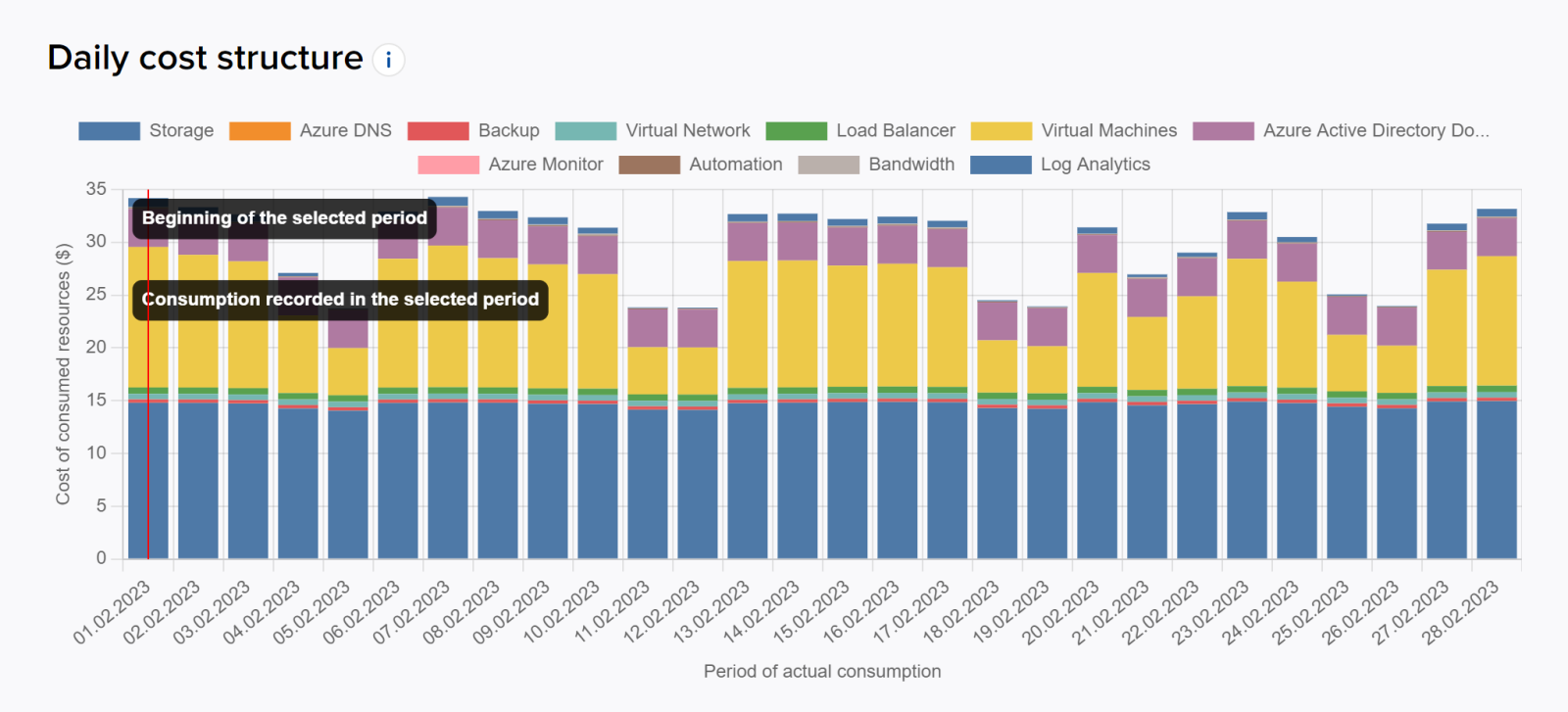
For pay-as-you-go subscriptions (such as Azure Plan, Amazon Web Service, Google Cloud Platform), you can view daily granulated reports:
-
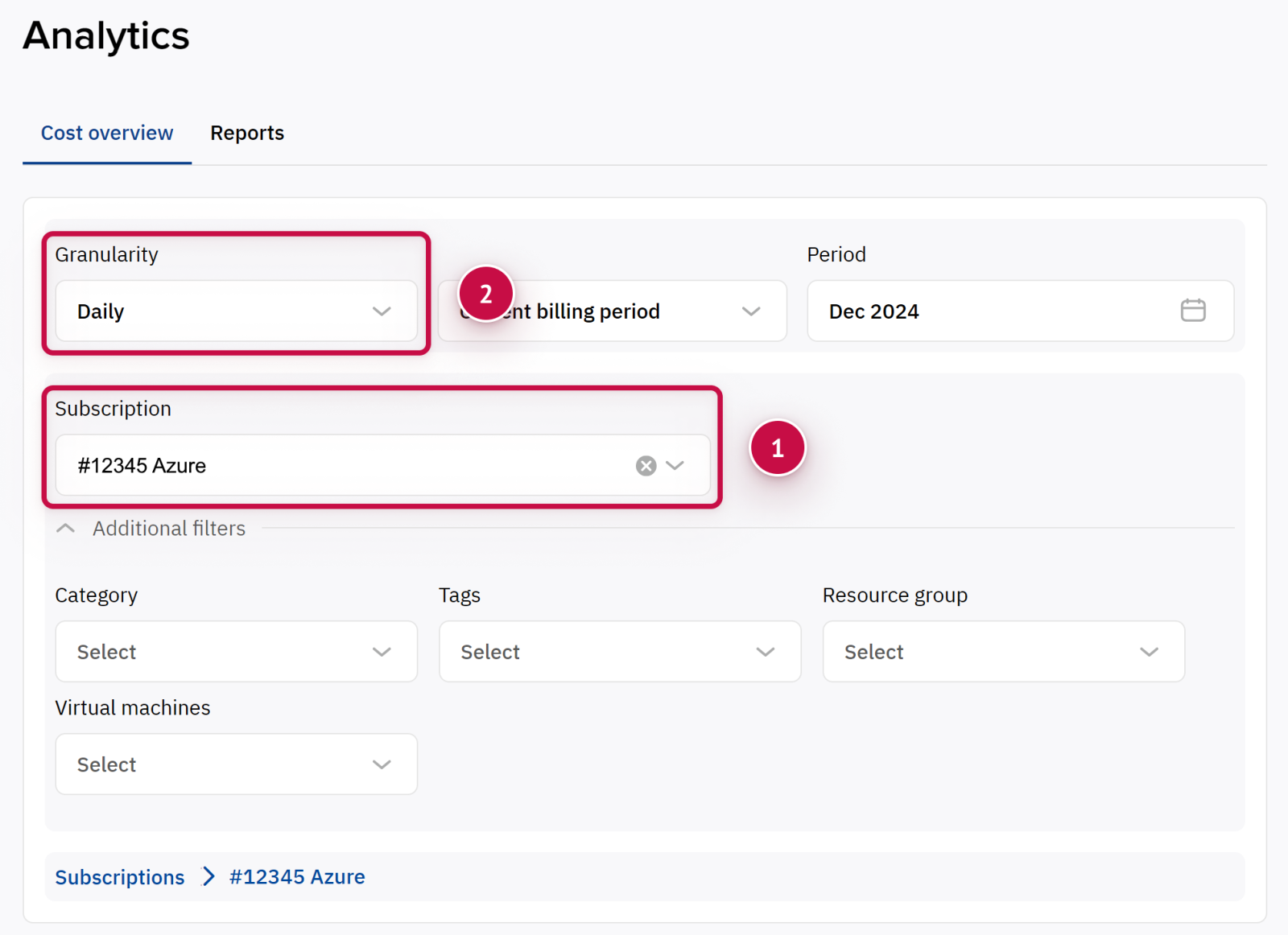
Go to Analytics > Cost overview.
-
Specify the subscription in Subscription dropdown menu.
-
Set up Daily granularity.
-
Use additional filters to view analytics for specific resources.
You can also view consumption for the current month. The current consumption amount is preliminary.
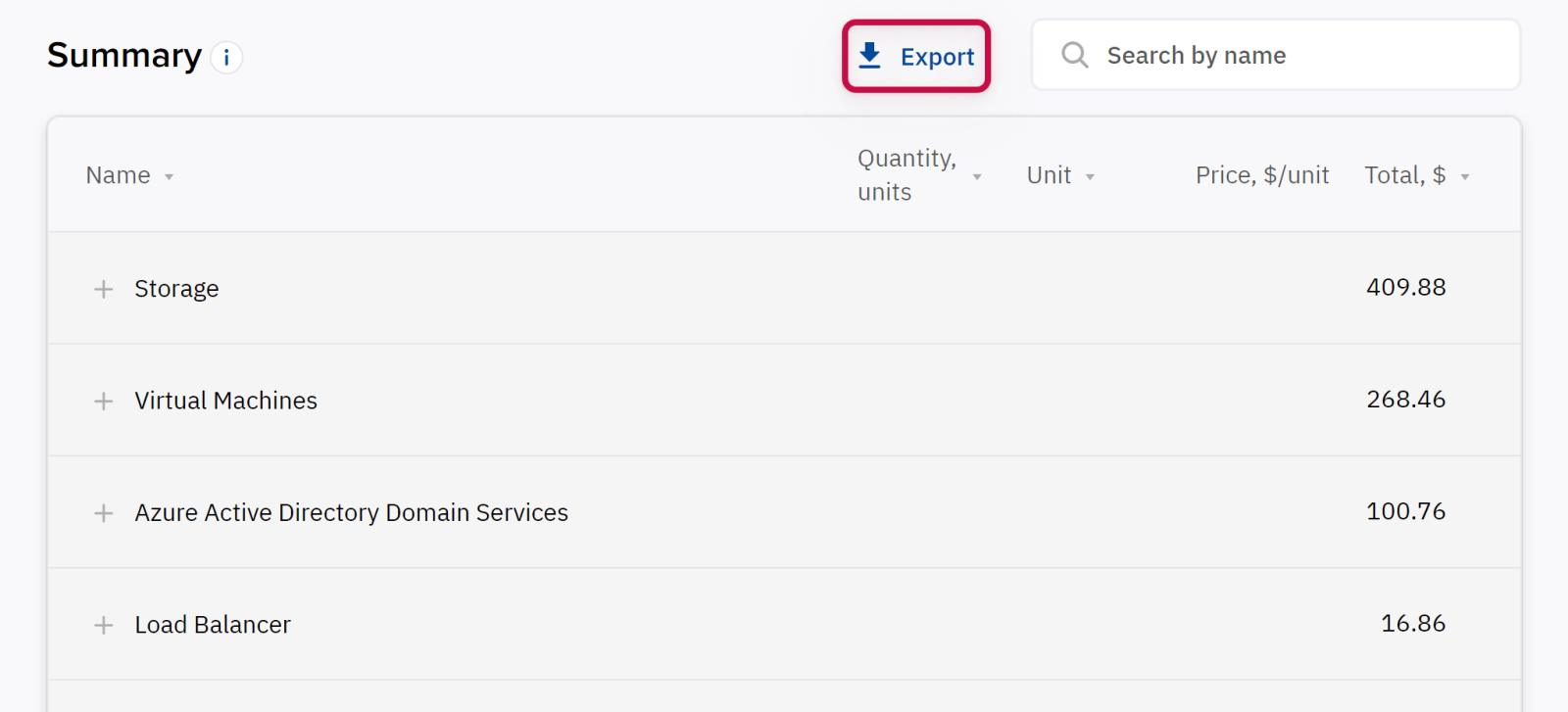
Export
You can download the data to .xlsx file by clicking the EXPORT button (available only for reports with daily granularity).
Noventiq Market India
|
Customer Support |
|
|
Microsoft Technical Support |
|
|
Client Control Panel |
|
|
Catalog |