
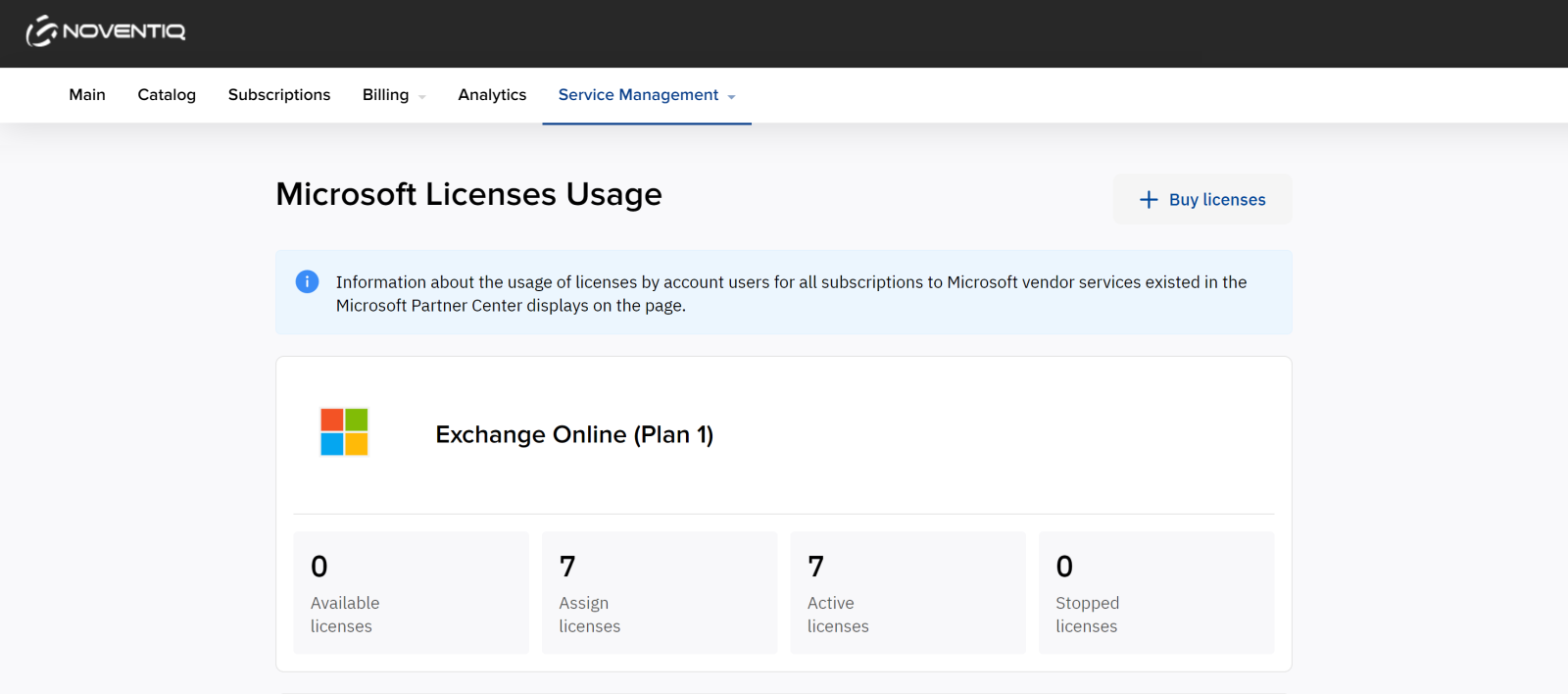
In Microsoft Licenses Usage section you can view the number of licenses purchased within all Microsoft subscriptions of your domain: available, assigned, active, and stopped licenses.
If instead you see a message that the action is unavailable, follow the instructions:
-
Click the invitation link.
-
Log in to the Microsoft portal with the Global Admin role.
-
Confirm the invitation.
-
Return to the Client Control Panel and refresh the page.
For details, see Grant access.
Noventiq Market Indonesia
|
Customer Support |
|
|
Microsoft Technical Support |
|
|
Client Control Panel |
|
|
Catalog |