
Overview
When ordering a Microsoft Azure Plan subscription, you need to assign an administrator for it. This process varies depending on whether you are using a new or existing domain.
You can add other users after the subscription is activated. For details, see Azure role assignments.
New domain
If you are ordering a subscription with the creation of a new Microsoft domain, the platform automatically creates a user named admin@yourdomain and assigns it as the administrator. In this case, no action is required from you.
Existing domain
If you are ordering a subscription for an existing domain, at step ➂ Additional information, in the Users email list, select one of the users from your Microsoft account to be the subscription administrator.
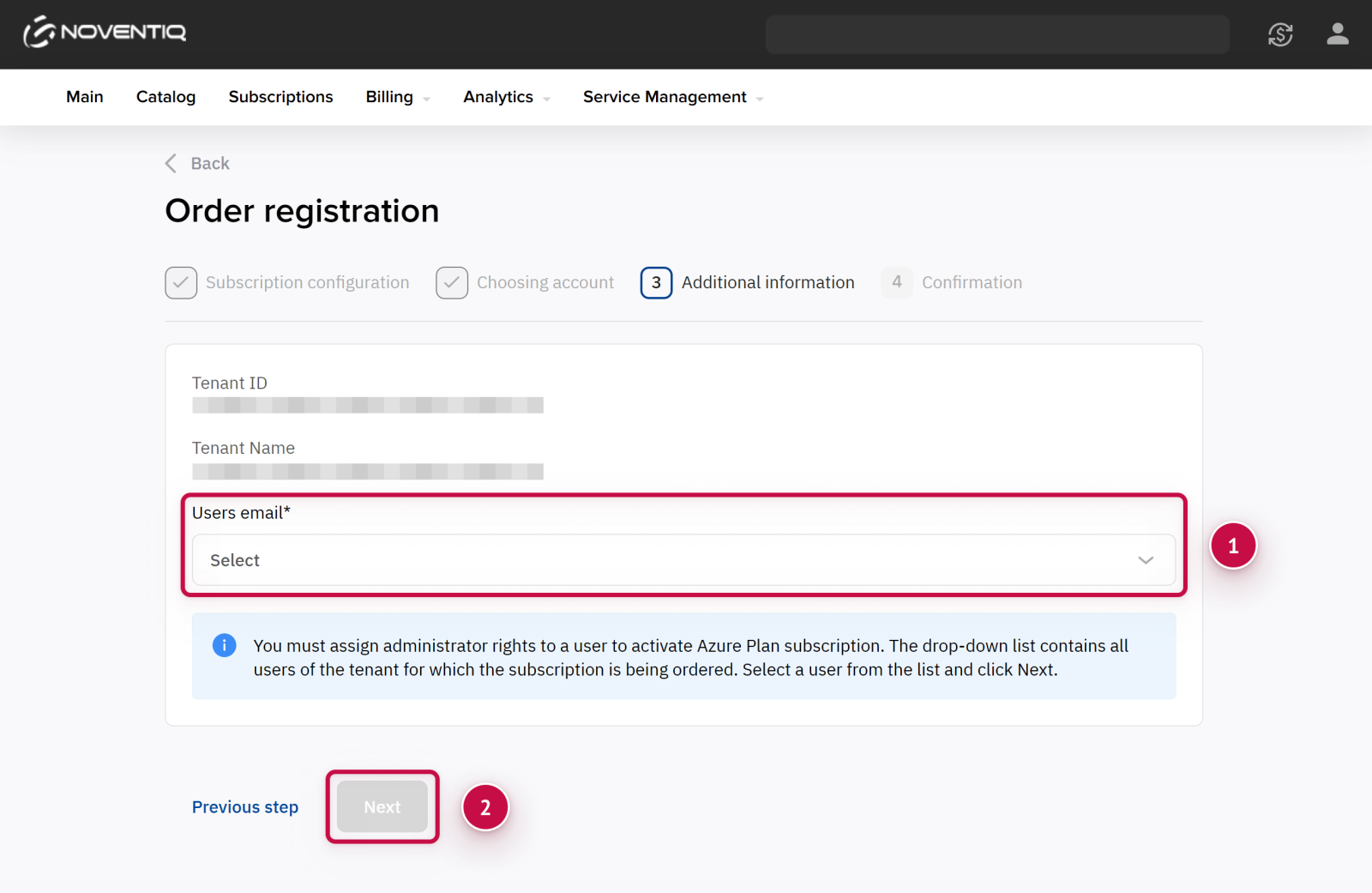
If instead you see a message that the action is unavailable, follow the instructions:
-
Click the invitation link.
-
Log in to the Microsoft portal with the Global Admin role.
-
Confirm the invitation.
-
Return to the Client Control Panel and refresh the page.
For details, see Grant access.
Noventiq Market Bulgaria
|
Customer Support |
|
|
Microsoft Technical Support |
|
|
Client Control Panel |
|
|
Catalog |